Tests tell you what your code did on the inputs you thought to try. Static analysis tells you what your code can do — on inputs you never tried — by reading the source instead of running it. That single idea powers a whole family of tools: linters, type checkers, bug finders, and security scanners, all examining code at rest and reporting problems before anything executes.
The map in one sentence: the tools form a spectrum from shallow-and-fast to deep-and-heavy, each layer catching a class of defects the previous one structurally cannot see. Knowing where each layer's power ends is the difference between a toolchain you trust and a wall of findings you ignore.
What "static" actually means
Static analysis examines source code (or compiled artifacts) without executing it. Dynamic analysis — tests, profilers, fuzzers — observes a running program. The trade-off is fundamental:
- Static analysis covers all paths, approximately. It reasons about every branch, including error handlers your test suite never triggers. But because it can't know runtime values exactly, it approximates — and approximation means occasional false positives (flagging fine code) and false negatives (missing real bugs). Perfectly deciding non-trivial properties of programs is mathematically impossible, so every tool chooses which way to err.
- Dynamic analysis covers real behavior, on some paths. A failing test is (almost) never a false alarm. But it only tells you about the executions you actually ran.
That's why the two complement rather than compete: static analysis for breadth, tests for ground truth.
The spectrum, shallow to deep
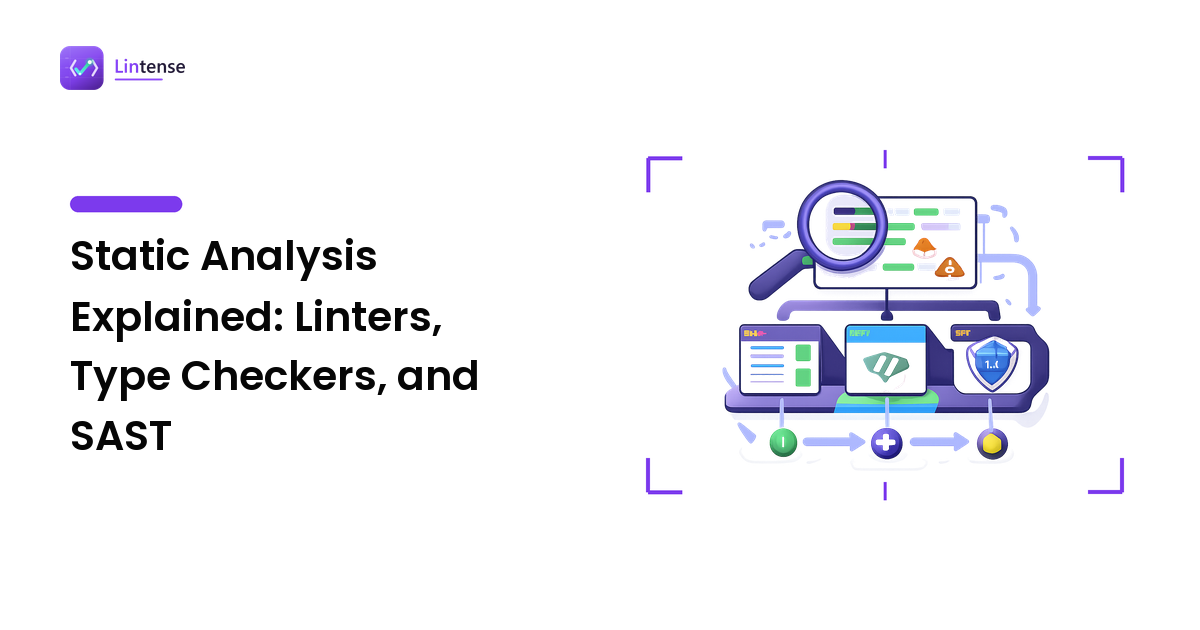
A practical way to organize the tool family is by how much of your program each tool reasons about at once.
- Formatters (Prettier, gofmt, Ruff's formatter) parse code and reprint it. They analyze syntax only — no diagnostics, just consistent layout.
- Linters (ESLint, Ruff, Clippy) match rule patterns against the syntax tree plus scope information, mostly file by file. Fast enough to run on every keystroke. We cover this layer in depth in what is linting.
- Type checkers (TypeScript's
tsc, mypy, Pyright) build a model of your whole program and verify data types flow correctly across function and module boundaries. - SAST scanners (static application security testing — e.g. Semgrep, CodeQL, SonarQube's security rules, Snyk Code) trace how data moves through the program, hunting for security-relevant flows and known vulnerable patterns.
- Deep analyzers and verifiers (symbolic execution, formal methods) prove properties about program behavior. Powerful, expensive, and niche — most teams never need this layer.
Each step down the list reasons about more context — and costs more time, configuration, and triage.
Type checkers: cross-boundary bug catching
A linter sees that a variable is unused. A type checker sees that a value of the wrong kind travels three modules before it explodes. That cross-boundary view is the upgrade.
In TypeScript, the compiler rejects the mismatch before the code ships:
function applyDiscount(price: number, discount: number): number {
  return price - price * discount;
}

const total = applyDiscount(100, "0.2");
// error TS2345: Argument of type 'string' is not
// assignable to parameter of type 'number'.
Python is dynamically typed at runtime, but annotations plus a checker like mypy give you the same protection:
def total(prices: list[float]) -> float:
    return sum(prices)

order_total = total("12.50")
# expected "list[float]"
At runtime, that Python call wouldn't even fail loudly at the call site — sum would iterate the string and fail somewhere less obvious. The checker catches it at the source, in the editor.
Type checkers also encode the billion-dollar classics: null/undefined handling (TypeScript's strictNullChecks, mypy's Optional discipline) turns "forgot to handle the missing case" from a production incident into a red underline.
The cost is honesty about your data: you must write annotations (in gradually-typed languages), and legacy code accretes any/Any escape hatches that quietly turn the checker off. A type checker is as strong as your strictest settings that you actually keep enabled.
SAST: what security scanners see that linters don't
The defining capability of SAST is taint analysis: tracking data from an untrusted source (an HTTP parameter, a form field) through the program to a sensitive sink (a SQL query, a shell command, an HTML response), and flagging any path where it arrives unsanitized.
The canonical example — SQL built by string concatenation:
import sqlite3


def find_user(conn: sqlite3.Connection, username: str):
    # SAST flags this: request data flows into a SQL string (injection)
    query = "SELECT * FROM users WHERE name = '" + username + "'"
    return conn.execute(query).fetchall()


def find_user_safe(conn: sqlite3.Connection, username: str):
    # Parameterized query: the value never becomes SQL syntax
    return conn.execute(
        "SELECT * FROM users WHERE name = ?", (username,)
    ).fetchall()
A general-purpose linter, working pattern-by-pattern in one file, has no concept of "this string came from a user and ends up in a query." A taint-tracking SAST engine follows that flow across functions and files. The same machinery catches command injection, path traversal, cross-site scripting, and unsafe deserialization.
Beyond taint tracking, SAST suites typically detect hardcoded credentials and API keys, weak cryptography choices, and dangerous configuration defaults. (One boundary worth knowing: scanning your dependencies for known CVEs is a different technique — software composition analysis — often bundled in the same commercial products but not the same analysis.)
The tax is triage. Security findings need more human judgment than lint findings — whether a flow is truly exploitable depends on context the tool can't fully see — so plan for a tuning period and treat the scanner's severity levels as a starting point, not a verdict.
Living with imperfection: false positives and negatives
Every static tool approximates, so every team needs a policy for when the tool is wrong:
- Suppress with a paper trail. Every suppression (
# noqa,// eslint-disable-next-line, a SAST dismissal) carries a reason. Anonymous suppressions rot into blind spots. - Tune the tool, not your patience. A rule that cries wolf weekly should be reconfigured or disabled deliberately — documented — rather than routinely ignored.
- Never let findings accumulate. A dashboard with 3,000 open findings protects nothing. Better a small rule set at zero findings than an ambitious one nobody reads.
And keep the converse in mind: a clean report is not a correctness proof. Static analysis reduces defect classes; tests, review, and monitoring still carry the rest.
How to layer them: an adoption order
For a team starting from nothing, the order that pays off fastest:
- Formatter first. Zero-judgment wins: consistent code, style debates over, one afternoon of setup.
- Linter with the recommended preset. Catches the everyday bug patterns; cheap to run everywhere.
- Type checker next — where it isn't built in. TypeScript for JS-heavy teams and mypy or Pyright for Python are typically the highest-value single upgrade, because cross-boundary type bugs are common and expensive.
- SAST last, once the basics hold. Security scanning lands best on a codebase that already lints and type-checks cleanly, with a team used to triaging findings.
Whatever the layer, the enforcement principle is identical: it counts only when it runs automatically on every change. Editor plugins are feedback; the pipeline is policy — our linting in CI guide shows the full setup, and the same jobs run type checkers and SAST scanners just as well.
FAQ
Is a linter a static-analysis tool?
Yes — linting is the shallow, fast end of static analysis. The industry habit of saying "static analysis" for only the deeper tools (type checkers, SAST, whole-program analyzers) is about depth, not kind: all of them examine code without executing it. What changes along the spectrum is how much context the tool reasons about, and at what cost.
Do I need SAST if I already have a linter and a type checker?
They don't overlap much. Linters match local patterns and type checkers verify data kinds — neither tracks whether untrusted input can reach a SQL query or shell command, which is SAST's core job (taint analysis). Whether you need that depends on exposure: anything handling user input or sensitive data benefits; a build-time internal script probably doesn't.
Does static analysis replace tests?
No. Static analysis proves the absence of certain defect patterns across all paths; tests demonstrate correct behavior on real inputs. A program can pass every static check and still compute the wrong answer, and a tested program can still harbor an injection flaw on an untested path. Breadth from analysis, ground truth from tests — you want both.
Why do static-analysis tools report false positives at all?
Because deciding non-trivial runtime properties from source alone is provably impossible in general, every tool approximates. Err toward reporting and you get false positives; err toward silence and you get false negatives. Good tools let you tune that balance per rule — and good teams suppress documented false positives instead of ignoring the tool.
Static analysis is a spectrum, and the win comes from layering it deliberately: formatter, linter, type checker, then security scanning — each catching what the last one can't see. When you're ready to choose the actual tools, do it on stated criteria rather than habit: see how the leading static-analysis tools and SAST scanners stack up on Lintense, where every comparison shows exactly what's being judged.